
Gaming Preload Guide: Why Early Downloads Keep Expanding
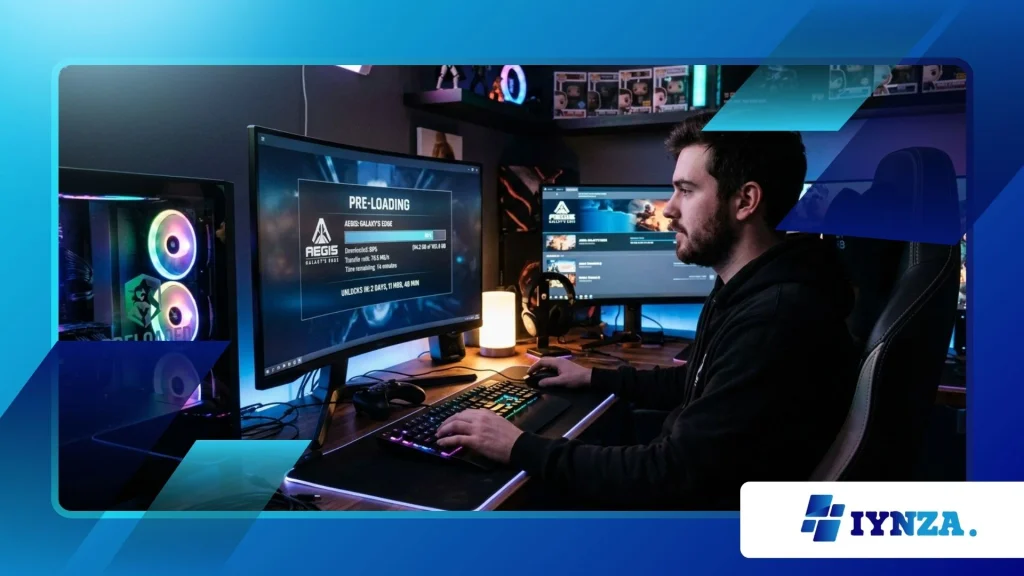
A Gaming Preload Guide is now an essential roadmap for modern players navigating massive day-one updates, expanding file sizes, and high-speed digital store fronts.
High-end modern releases regularly top 100 gigabytes at launch, turning midnight releases into multi-hour waiting periods for players with standard connections.
By downloading core game assets days ahead of launch, you bypass server bottlenecks and start playing the exact second servers unlock.
Understanding how digital pre-loading manages encrypted installation archives helps gamers avoid launch-day congestion.
Modern platforms release encrypted chunks of data early, which your system automatically decrypts and installs once the official launch key goes live.
This system guarantees immediate access while protecting publishers from early data leaks and unearned achievements.
In This Article:
- Why modern game download sizes continue to grow exponentially.
- How digital platforms handle pre-load encryption and launch-day decryption.
- Essential optimization strategies to prepare your storage and network for major releases.
Why Are Modern Game Download Sizes Expanding So Rapidly?
How Do Ultra-High-Resolution Textures Impact File Size?
Uncompressed 4K texture assets, complex audio channels, and massive open-world layouts are primary drivers of modern file bloat.
Developers target peak visual fidelity for current-gen hardware, requiring detailed surface maps and multi-language audio packs embedded directly into base installations.
A comprehensive Gaming Preload Guide highlights how storing uncompressed assets reduces real-time CPU strain during gameplay.
According to technical analysis by Video Games Chronicle, recent blockbusters like Call of Duty: HQ and Final Fantasy VII Rebirth frequently exceed 140 gigabytes on modern consoles and PC platforms.
This steady increase makes pre-loading a practical necessity rather than an optional feature. Installing these massive data packs early prevents network congestion when millions attempt to fetch identical files simultaneously.
++ Healthy Gaming Habits Every Player Should Build
Why Does Open-World Design Require More Pre-Downloaded Assets?
Modern open-world architectures rely heavily on seamless asset streaming without traditional loading screens.
Engineers duplicate common assets across installation drives to speed up access times on legacy hardware, though high-speed NVMe drives are reducing this need.
Pre-loading ensures these sprawling game maps install cleanly without missing texture dependencies.
Downloading these gigantic directory structures on launch night often leads to throttled speeds from overwhelmed content delivery networks.
Early downloads spread network traffic over several days, giving users a smooth setup experience.
Having all assets verified beforehand protects your storage drive from corrupt installation blocks during peak server stress.
How Does the Pre-Loading Mechanism Work Across Platforms?
How Do Encrypted Files Protect Launch Integrity?
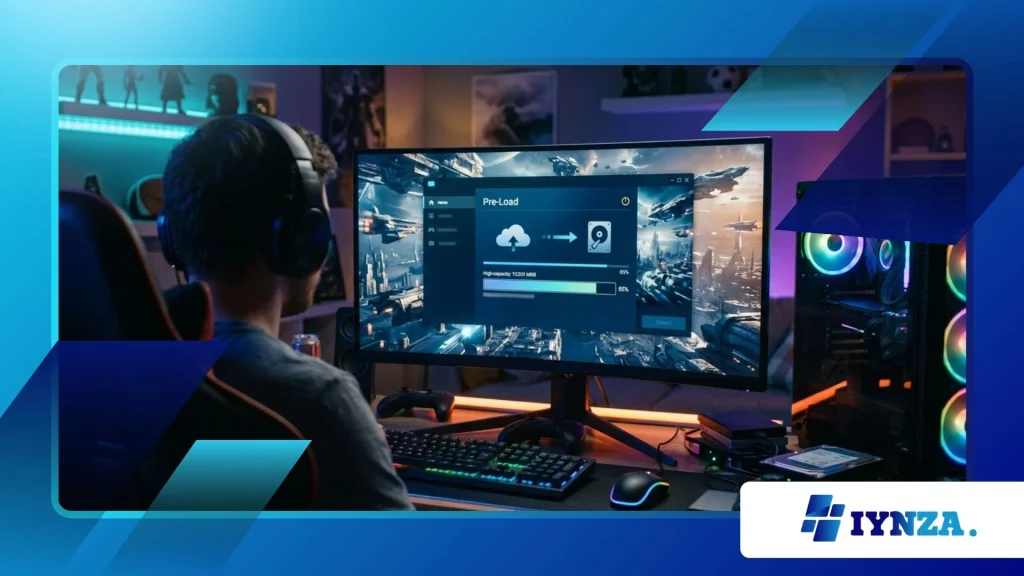
Digital storefronts like Steam, PlayStation Network, and Xbox Live deliver pre-load data wrapped in high-level cryptographic packages.
These encrypted archives sit inert on your local SSD, unreadable by the operating system until the publisher issues a global decryption key.
Following a Gaming Preload Guide helps you understand that your console is saving raw storage space, not running playable code early.
Once the official launch clock hits zero, your platform fetches a tiny key package often just a few megabytes to initiate local unpacking.
This approach protects story details and proprietary code from data miners while ensuring players download 99% of required files before launch. It balances security for developers with immediate launch access for players.
Also read: Video Game Vinyl Records: Why Soundtracks Became Collectibles
What Role Do Day-One Patches Play During Pre-Loads?
Pre-loading places the gold build of a title on your drive, but development continues right up to launch.
Studio teams use the pre-load window to publish day-one patches, which automatically merge with your pre-downloaded files before you start playing.
Modern platforms queue these patch files alongside base pre-loads to minimize launch delays.
Think of pre-loading like checking in for a flight online: you complete the heavy paperwork beforehand so you can walk straight to the gate on launch day.
If your pre-load stays updated, you avoid waiting through major patch downloads at launch.
What Steps Optimize Your Hardware for Early Downloads?
How Can You Manage SSD Space Before Pre-Downloads Begin?
Preparing your solid-state drive before a major release is key to a smooth pre-load experience.
Modern titles require extra temporary storage during launch-day decryption to unpack compressed files alongside installed assets.
Utilizing a Gaming Preload Guide ensures you maintain a healthy 15% to 20% free space buffer on your drive to prevent unpacking errors.
Uninstalling finished titles, clearing system caches, and moving archived media to external storage guarantees your main drive has room to maneuver.
SSD performance drops significantly when operating near full capacity, which slows down file decryption. Clearing extra drive space ahead of time ensures rapid unpacking when the unlock key arrives.
Read more: Best Gaming Apps for Staying Connected With Friends
How Do Network Settings Influence Pre-Load Efficiency?
Wiring your gaming device directly via Ethernet bypasses local wireless interference and maximizes download stability.
Enabling auto-downloads and low-power standby modes allows your console or PC to pull pre-load files during off-peak hours when your internet provider delivers consistent speeds.
Configuring custom DNS settings or enabling platform-specific background download rules keeps your connection stable during massive file transfers.
A fully updated Gaming Preload Guide encourages scheduling downloads overnight to prevent household bandwidth contention.
This proactive preparation keeps your network clear and gets your system ready for immediate play at launch.
Pre-Load Performance & Requirements Across Major Platforms
| Platform | Typical Pre-Load Window | Temporary Storage Needed for Decryption | Auto-Update Reliability | Recommended Storage Type |
| PlayStation 5 | 48 Hours Before Launch | Base Size + 10-15% Buffer | High (Rest Mode Enabled) | Internal Gen4 NVMe SSD |
| Xbox Series X | 3 to 7 Days Before Launch | Base Size + 5-10% Buffer | Very High (Instant-On) | Internal / Expansion Card |
| Steam (PC) | 24 to 72 Hours Before Launch | Base Size + 20% Buffer | Medium (Varies by Client Setting) | High-Speed PCIe 4.0 NVMe |
| Nintendo Switch | 7 Days Before Launch | Minimal Extra Buffer Required | High (Auto-Download Active) | High-Speed MicroSD / Internal |
Mastering Your Pre-Launch Setup Strategy
Managing storage requirements, network connections, and installation schedules ensures launch night goes smoothly without unexpected delays.
Early downloads transform launch night from a tedious waiting period into an instant gaming experience.
As file sizes continue to grow alongside advancing visual technology, pre-loading remains your best tool against launch-day downtime.
Using a clear Gaming Preload Guide helps you navigate increasing game sizes and server loads effortlessly.
Take control of your digital library, clear necessary storage space early, and enjoy day-one releases the second they go live. Share your launch night strategies and pre-load download speeds in the comments below!
Frequently Asked Questions
Why does a pre-loaded game require decryption on launch day?
Pre-loaded files are stored in an encrypted format to prevent unauthorized early access and data mining.
When the game officially launches, your system downloads a small cryptographic key that decrypts the files, making them playable.
Can a day-one patch delay my pre-loaded game from launching immediately?
If developers release a day-one patch shortly before launch, your system must download and apply those changes before starting the game.
Enabling automatic background updates in standby mode ensures these patches download as soon as they become available.
Why does my PC require extra storage space during the pre-load unpacking process?
During unpacking, Steam and other PC clients copy encrypted data blocks into unencrypted files while keeping the original archives temporarily intact.
Once decryption completes successfully, the client automatically deletes the temporary encrypted files and frees up space.
What happens if my internet connection drops during a pre-load download?
Modern gaming platforms feature robust resume capabilities that track downloaded data fragments. If your network connection drops, the download simply pauses and picks up right where it left off without corrupting existing files.
Does pre-loading guarantee that I can play the game offline immediately at launch?
You need an active internet connection at launch time to receive the initial decryption key and verify your digital license.
Once your platform validates the key and completes decryption, you can switch to offline mode for single-player content.
